From scattered PDFs to organized study materials in 3 clicks
No confusing setup. No overwhelming features. Just upload your notes, organize by subject and chapter, and start studying smarter.
Getting Started (Less than 2 minutes)
No credit card needed for the free preview. See what Mongur can do before you commit.
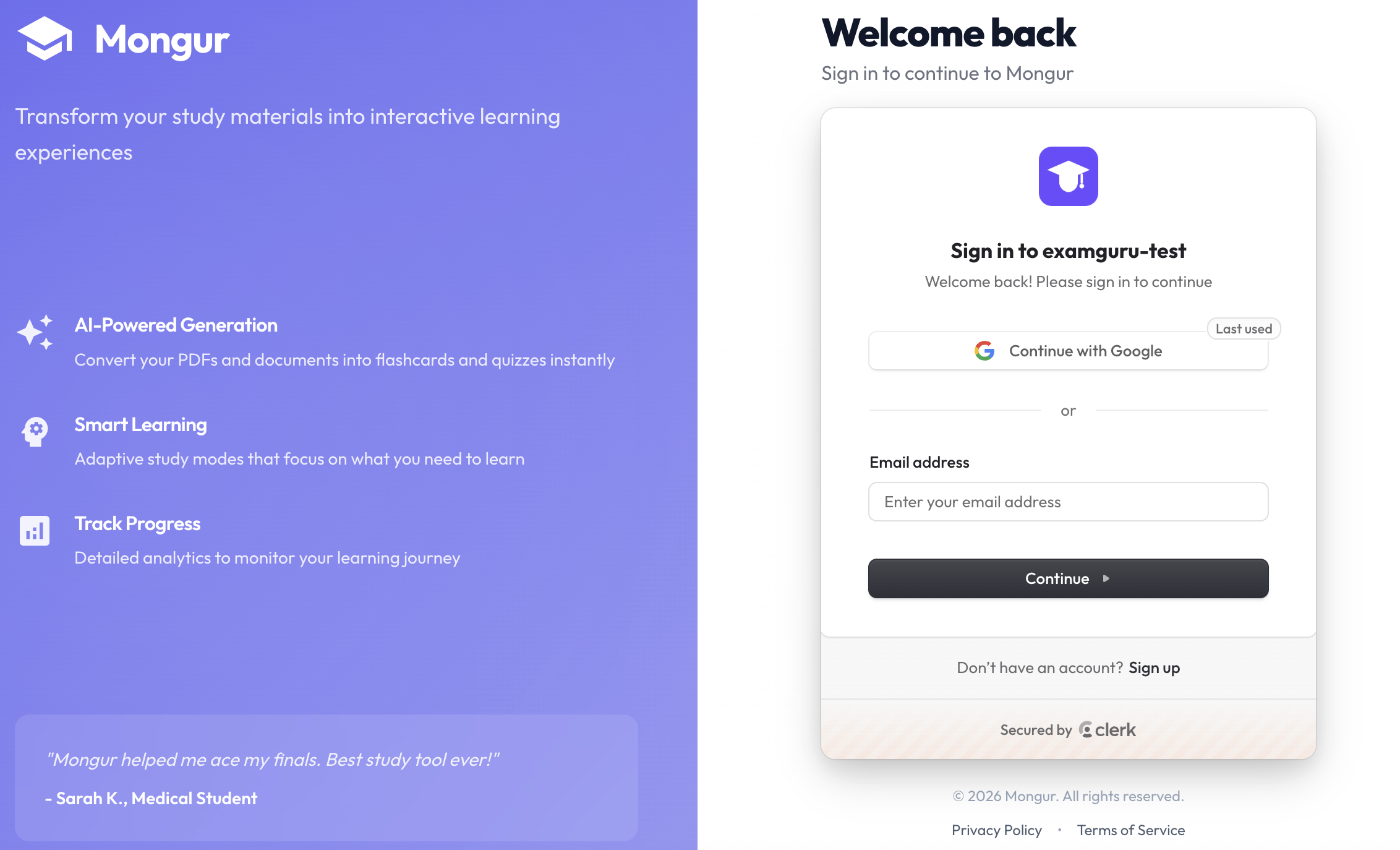
Sign up in seconds
Create an account with Email or Google. We'll get you set up instantly.
- No verification emails to wait for
- No payment required for free plan
- Lands you straight on the dashboard

See your dashboard
Clean, simple dashboard showing all your study sets organized by subject.
- Progress bars for each subject
- Flashcard mastery counts
- Quiz scores at a glance
Click "New Study Set"
One button to start. You're ready to upload your first PDF.
- Takes you to organized upload page
- Free plan: Try 1 study set
- Paid plans: Unlimited sets

How Organization Works
Think of it like folders on your computer: Subjects contain Chapters, Chapters contain Files.
Real Examples:
Chapter: Cell Structure
Files:
- Lecture Notes Week 3.pdf
- Textbook Chapter 4.pdf
Chapter: Derivatives
Files:
- Prof Smith Lecture.pdf
- Practice Problems.pdf
Upload & Generate Study Materials
Screenshot: PDF upload dropzone
Upload your PDF
Drag and drop or click to browse. PDF is processed instantly.
- Lecture notes from professors
- Textbook chapters
- Study guides
- Research papers
Screenshot: Page range selector
Choose pages (optional)
Study specific sections. Want just pages 15-30? Select them.
- Focus on exam-relevant chapters
- Skip introductions and references
- Save your monthly page quota
Screenshot: "Generate" button with AI icon
Click "Generate"
AI creates your study materials in 30-60 seconds.
- 📝 Structured summary with key concepts
- 🎴 Flashcards for active recall (paid plans)
- 📊 Practice & exam quizzes (paid plans)
What You Actually Get After Generating
AI Summary
Structured overview with clear sections, not just copied text.
Includes:
- Key concepts explained simply
- Important details to remember
- Study tips specific to the content
Screenshot: Summary with sections expanded
Flashcards
AI-generated Q&A cards for active recall practice.
Features:
- Flip to reveal answers
- Mark as "Mastered" or "Review"
- Track progress (14/30 mastered)
- Regenerate anytime (Pro plans)
Screenshot: Flashcard in flip mode
Quizzes
Multiple-choice questions to test your knowledge.
Two modes:
- Practice: No timer, instant feedback
- Exam: Timed, final score at end
After quiz:
- Review correct/wrong answers
- See explanations
- Track score history
Screenshot: Quiz question with options
Your Daily Study Workflow
Read the Summary
Start with the AI summary to understand the big picture. Takes 5-10 minutes.
Reading summary on mobile
Practice Flashcards
Go through flashcards daily. Mark the ones you know as "Mastered."
18/30 Mastered
Flashcard practice session
Take Practice Quizzes
Test yourself with practice mode first. Review wrong answers. Then try exam mode.
Latest score
Quiz results screen
Final Exam Mode
Take timed exam quizzes. Review all flashcards one last time. Check your progress dashboard.
Ready for exam screen
Advanced Features (Once You're Comfortable)
Regenerate Materials
Not happy with the flashcards? Click "Regenerate" for a fresh set.
Pro plans onlyAdd Multiple Files
Combine lecture notes + textbook pages in the same chapter for complete coverage.
All paid plansMultiple Chapters per Subject
Organize Biology into Cell Biology, Genetics, Evolution - all separate chapters.
All plansProgress Tracking
Dashboard shows flashcard mastery and quiz scores across all subjects.
All plansStudy on Any Device
Works on phone, tablet, laptop. Your progress syncs everywhere.
All plansManaging Your Account
View Subscription
See your current plan, usage limits, and renewal date in Settings.
Upgrade Anytime
Start on Free, upgrade to Lite, then Pro when you need more pages.
Cancel Anytime
One click in Settings → Billing. No questions asked. Access until period ends.
Password Reset
Forgot password? Click "Forgot Password" on login. Email sent instantly.
Google Sign-in
Easiest way: "Continue with Google" button. No password to remember.
Need Help?
Check FAQ page or contact support from Settings.
Ready to Transform Your Study Routine?
Start with a free summary preview. No credit card required.
Try Mongur FreeTakes 2 minutes to start. Upgrade only when you're ready.